

Make the Most Out of TestStand for Effective Automated Test
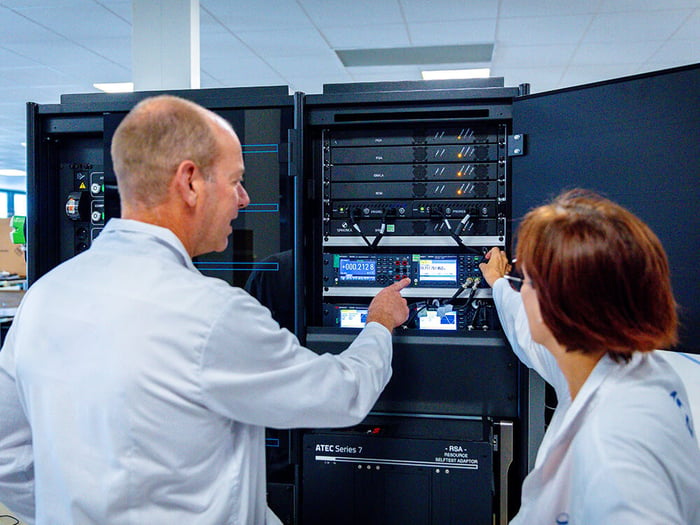
Why is automated test important? At the very top of that list is everyone’s priority – quality. First and foremost, automation is the key to accuracy, eliminating any room for human error and variability. When dealing with something as black and white as test results, people can get in the way. But then again, these stations come from somewhere. Considering the unique test requirements for each product out there, this code comes from different engineers, working in different ways and in different languages. At the end of the day, a test station without the right software is also known as a very large paperweight….am I right?
To develop, execute, and deploy a test system, TestStand application software helps engineers easily automate sequences of test steps based on their code, regardless of the language it is written in. This includes taking measurements, executing actions and commands, running tests, and logging results. TestStand speeds up the process by simplifying complex sequence development and promoting re-usability.
In this two-part series we are going to explore what it takes to create effective TestStand sequences. Part one will cover sequence organization, process models and custom step types.
1. Sequence Organization
When creating sequences, always keep the big picture in mind. It is likely that many people will be touching this code, and so it must be understandable for the masses. Ask yourself, if you were to pick this up in a year or two for the next generation of this product, would you understand it? Would a new engineer? By following a few simple steps, you will not only keep your code clean and simple to understand, but also make it reusable.
The rule of thumb is to limit the tests in MainSequence to the product or product family you are testing. By separating other actions like barcode scanning into sequence file callbacks or by using the TestStand process models, your sequences remain independent from systems where the code may change.
While creating sequences, use the tools that TestStand provides. TestStand sequences have 3 step groups, Setup, Main & Cleanup. By moving initialization steps into the setup group and error management to the cleanup group, your MainSequence will consist of test steps without any noise. Plus, you get the added benefit of the cleanup step group having your back. If any runtime errors occur throughout a sequence, it will automatically skip over to cleanup to manage the error, regardless of where that error happened.
As you go along, group your tests into logical bundles. If you notice patterns in tests that usually end up together, you can reuse them easily by putting them in a subsequence. This also allows you to create Setup/Cleanup steps for a smaller subset of product tests. It’s then important to consider how to share data among different steps, different groups and different sequences. TestStand allows the user to communicate using local variables, parameters, and global variables. Having these options gives you the freedom to share information at different levels throughout sequences, but it is key to consider which one to choose for an effective sequence.
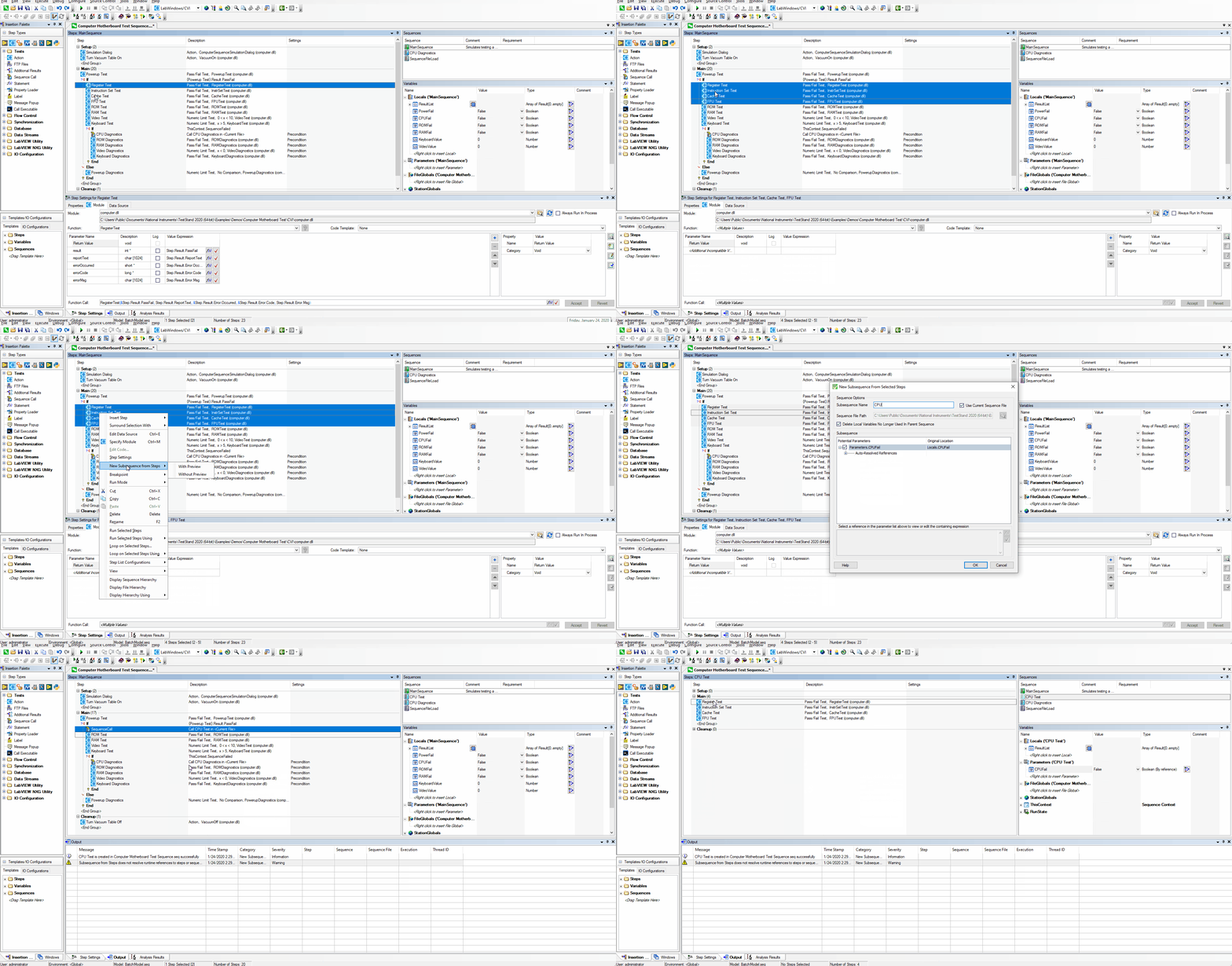
Example: Creating a subsequence

To learn more about Sequence Organization try this resource from National Instruments.
2. Use a Process Model
A process model is essentially a built-in architecture to customize your test system for its specific needs. It provides a framework to include all unchanging variables like communicating with a corporate database (as an example). In general, a single process model is used on a test system or group of similar test systems.
We recommend grouping your test routines into three categories:
- Product-specific tests;
- Company or group-wide standards;
- Product-line-specific routines.
Best practice is to implement product-specific tests in the MainSequence of the TestStand sequence file. This can include the tests for one product or many products. By implementing company or group-wide standards in a process model to complete a set of standard routines, you can establish the standards to validate before and after every test sequence when executing tasks like serial number scanning, reporting, etc.
Callbacks are routines defined in a process model that can be overridden by a specific TestStand sequence within the model. This gives the user total control over the test system and the flexibility required for any given station.
To learn more about the Use of a Process Model try this resource from National Instruments.
3. Use Custom Step Types
Step types are shortcuts to reduce sequence development time. They can be used for the following tasks:
- Create a template for inputs, outputs, properties, limit comparisons, and error handling;
- Provide a drop-in tool to use within a test sequence;
- Provide a link to test code that cannot be called directly using a TestStand adapter.
There are many step types included with TestStand and they all fall into the one of those three categories. They save the developer time with their efficiency and simplify code reuse in general. TestStand also offers the flexibility to create your own custom step types for more complex test scenarios.
For examples and more information on the Use of Custom Step Types try this resource from National Instruments.
This covers the initial basics to maximize the efficiency of test sequences using NI’s TestStand. Part 2 (How to Become a TestStand Ninja, the Sequel) will analyze the management of the code itself and the overall value it brings. Same Test Time, Same Test Channel.
To consult with a TestStand Developer or Architect, please contact Averna.
Are you thirsty for more test tips?
Get in touch with our experts or navigate through our resource center.
Read our free e-book to learn how to deploy the best test out there!


